Where time goes in a process: work time vs. waiting time
Work time, waits and elapsed time in a process: how to ask people for each without false precision, add them up honestly, and act on the result.
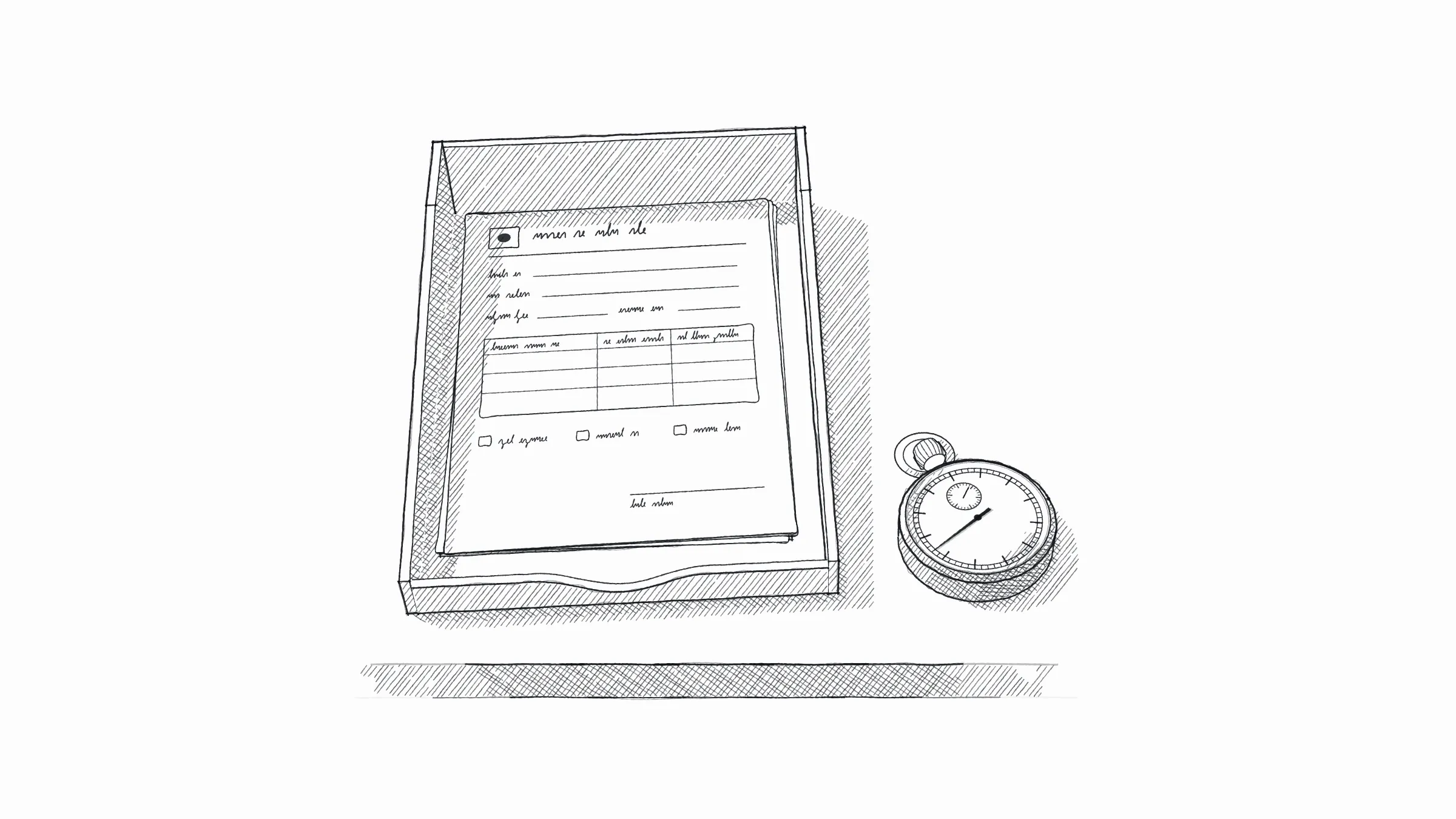
Work time is the time someone is actually working on an item. Waiting time is the time the item sits: in an inbox, in a queue, or until someone approves it. For most of the elapsed time from start to finish, nobody is working on the item: the Lean Enterprise Institute notes that processing time is typically “a small fraction of production lead time.”
Four kinds of time
| Time | What it is | Example: one order |
|---|---|---|
| Work time | Someone is working on this item. Also called touch time or processing time. | Typing the order into the order system |
| Wait within a step | The step has started, then stops: for a missing detail, a call back, a signature. | Asking the customer about an unknown item code |
| Wait between steps | One step is done, and the next has not started. | A typed order waiting for the next pick list |
| Elapsed time | From the trigger to the end, on the calendar. Lean texts call it lead time. | From the order email to the invoice |
The wait within a step is the one people forget. Ask “how long did it take?” and they may count it as work. So ask about the two separately: “How long were you working on it? Did it stop anywhere?”
Be careful with the term “cycle time.” The Lean Enterprise Institute treats cycle time as shorter than lead time. A lean course on MIT OpenCourseWare uses cycle time as another name for lead time, waits included, and adds that “the key is to understand the local definition of how time is measured.” Say “work time” and “elapsed time,” and define both on the map.
Why waits outweigh work, and why they are hard to see
Work comes in minutes. Waits come in hours and days, for four common reasons:
- Queues. Items arrive faster than someone gets to them, so they sit in an inbox.
- Batches. A pick list printed twice a day, or invoices sent at month end. Every item waits for the next batch.
- Decisions. An approval waits for the person who approves, and for their calendar.
- Missing information. The step stops until someone answers.
From above, waits are hard to see. Everyone is busy, and an order that waits makes no noise. Each person reports their own step, and a wait between two steps belongs to neither of them.
NHS England’s guide Bringing Lean to Life shows how wide the gap can get. In its example value stream map of a patient pathway, the whole journey takes almost 27 days, and the hands-on time is 3.5 hours. The guide also points out that 14 days of the waiting are legitimate: a planned gap before a follow-up appointment. Not every wait is a problem.
Little’s Law gives you a way to check a wait without timing it. As MIT News puts it, the number waiting in a line “equals their arrival rate multiplied by their average time spent in the system.” Turned around, the average wait is the number of items waiting divided by the number arriving per hour or per day. You can count a pile. The law holds for averages, so count over a typical week, not on one unusual day.
How to ask for times without false precision
People don’t keep stopwatches. Ask in a way that gets an honest number.
- Start with the last case. “How long did the last order take you?” Then ask for the range: “And on a slow day?” Write it as “10–15 minutes.”
- Ask per unit: per order, per line, per day, per week. The timing exercise in the MIT course tells students to “convert everything to time per order.” Write the unit next to every number.
- Ask for counts as well as durations. “How many came in yesterday? How many are waiting now?” A count is easier to give than a duration, and Little’s Law turns it into a wait.
- Separate calendar days from working days. “Two days” may mean two working days. From a Friday, that ends on Tuesday, four calendar days later. Ask which day the item arrived and which day it left.
- Ask when the item arrived, not only when the person started. People remember starting. The wait is the time before that.
- Keep the person’s words. “About ten minutes” stays an estimate. “A few days” does not become “3.0 days.”
How to add the times up honestly
- Follow one path. Add the times for one typical item, from trigger to end. Don’t mix in steps from other variants.
- Count each wait once. Customer service’s “it takes a while to reach the warehouse” and the warehouse’s “it waits for the pick list” may be the same wait, seen from both ends. Put it at the handoff, once.
- Don’t add steps that run in parallel. When two steps happen at the same time, elapsed time follows the longer one.
- Add the lows and the highs separately. A sum of estimates is still an estimate, so the total is a range.
- Keep the units straight. Convert minutes per order, hours per day, working days and calendar days to one unit before you add.
- Say what is missing. “Excludes the delivery itself: nobody timed it.” A total with a stated gap is more useful than one that hides it.
- Multiply work time by volume. Ten minutes per order sounds small. Ten minutes on each of 25 orders a day is more than four hours.
Example: one order at Example Supply Co.
Example. Example Supply Co. is invented: a 40-person distributor of cleaning supplies to offices and hotels, with about 25 orders a day. Nothing here comes from a real interview.
One typical order, as customer service (Sam), the warehouse (Dana) and the bookkeeper (Priya) described it:
| Step | Work time per order | Wait before the next step | Source |
|---|---|---|---|
| Order email arrives in the shared inbox | – | 1–2 hours by Sam’s estimate; about 3 hours by the count below | Sam |
| Typed into the order system | 10–15 min | 0–4 hours, until the next pick list at 10 a.m. or 2 p.m. | Sam, Dana |
| Picked and packed | 15–25 min | Overnight, until the morning route | Dana |
| Delivered with a delivery note | Not timed | 0–30 days, until month end | Dana, Priya |
| Invoice typed from the delivery note | 3–5 min | – | Priya |
| Total | 28–45 min, an estimate | 1–2 working days to delivery; up to a month, about two weeks on average, to the invoice |
Under an hour of work sits inside about two weeks of elapsed time. Most of the gap is one batch: invoicing at month end.
The inbox wait shows how a count can check an estimate. Sam guessed that an order email waits an hour or two before he gets to it. For a week, he counted the order emails waiting at 10 a.m., 1 p.m. and 4 p.m. The average was 9. About 25 arrive in an 8-hour day, roughly 3 an hour. By Little’s Law, 9 ÷ 3 gives about 3 hours of waiting on average. Sam remembered when he started typing, not when the email arrived. Both numbers stay on the map, each with its basis, until someone checks the arrival times in the inbox.
One exception sits outside this path. About one order a day goes over the customer’s credit limit and waits for the finance manager’s approval: half a day to two days, by Sam’s estimate. It is not in the total, because the typical order does not take that path.
What to do with the result
Sort the waits by what it would take to remove them:
| Wait | What causes it | What could remove it | What it takes |
|---|---|---|---|
| Credit approval, for orders over the limit | Every one waits for the finance manager | A threshold below which no approval is needed, or higher limits for customers who always pay | A decision |
| Until month end, for the invoice | Invoicing once a month | Invoicing every week, or creating the invoice when the delivery is confirmed | A decision, or a new setup |
| Until the next pick list | Printing the list twice a day | Printing it more often, or showing new orders to the warehouse as they arrive | A decision, or a new setup |
| In the inbox | Each PDF is typed by hand | Reading the order from the PDF into the order system, with a person checking it | A new setup or automation |
| Overnight, for the route | One truck, one morning route | Possibly nothing | Keep it, and write down why |
Start with the waits a decision can remove. They exist because of a rule or a habit, and changing a rule costs a meeting, not a project. Invoicing every week instead of at month end also starts the customer’s payment terms sooner.
The waits that need a new setup take longer. Before anyone writes a specification, answer the open questions. How many held orders were refused last year? Which payment terms do the customers have? Can the order system create an invoice when a delivery is confirmed? Who decides when the pick list prints?
Keep the waits that are there for a reason, and write the reason down, so nobody removes them by mistake. Then multiply the work times by volume. The 10–15 minutes of typing per order, on 25 orders a day, comes to four to six hours of customer service’s day. That is a finding about the work, not about how fast anyone types.
Bondi Discovery’s map shows the times people reported in their interviews, work time and waits, on the step they belong to, each with its unit and marked as an estimate when it is one.
See how your organization really works
An AI interviewer talks with each employee, up to 12 minutes. See a draft first. Pay later.